 SkinForge
Free Minecraft Skins, Made with AI
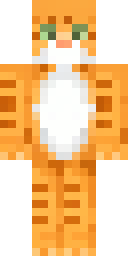
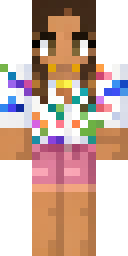
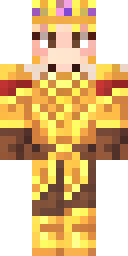
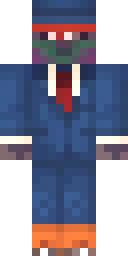
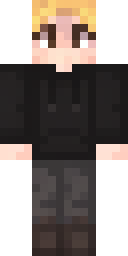
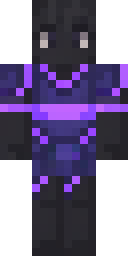
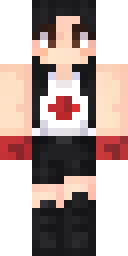
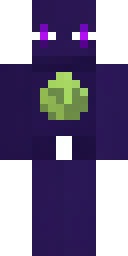
SkinForge is an AI Minecraft skin maker for iPhone. Describe any character in words, get a 64×64 skin with a 3D preview in about 20 seconds, then download it for Java or Bedrock. The first skin is free.
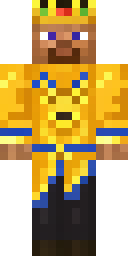
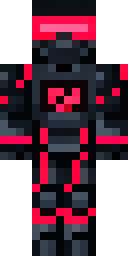
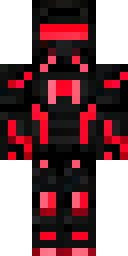
Browse by category
Popular characters and themes
All collections →Trending skins
See all skins →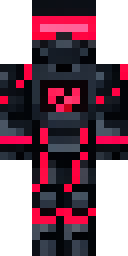
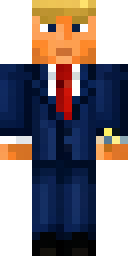
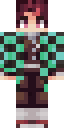
![[ DEMON SLAYER ] Tanjiro themed 2.0 Minecraft skin](/i/d086ff5d-d5b5-4ed5-ad16-67cd3cda44c6/preview.png)
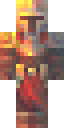
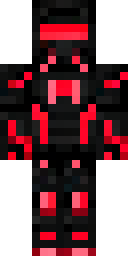
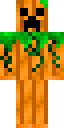
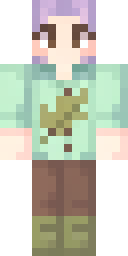
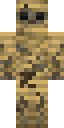

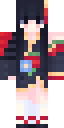
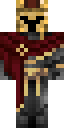
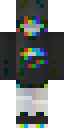
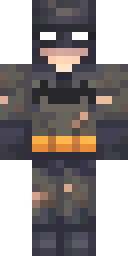
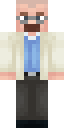
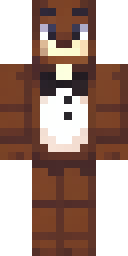
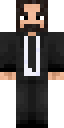
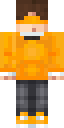
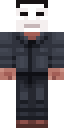
New skins
Newest first →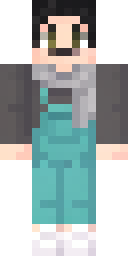
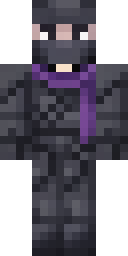
Make your own skin in three steps
DownloadApp Store iPhone and iPad. First skin free. No ads.
Questions
Are these Minecraft skins free?
Yes. Every skin in the gallery downloads free as a standard 64×64 PNG for Java Edition or as a .mcpack for Bedrock and Pocket Edition. Making your own skins in the SkinForge app starts with one free forge.
How do I make my own Minecraft skin with AI?
Install SkinForge on the App Store, type what you want ("cyber ninja with a red visor", "cozy frog in a hoodie"), and the app builds the full skin for every face of every box in about 20 seconds. You can then edit it by chatting: "make the hoodie blue", "add round glasses".
Do the skins work on Java and Bedrock?
Both. Java uses the PNG: open the Minecraft Launcher, go to Skins, choose New skin and pick the file. Bedrock and Pocket Edition use the .mcpack: open it and Minecraft imports it into the Dressing Room.
Can I turn a photo into a Minecraft skin?
Yes. SkinForge accepts a picture or sketch as the reference and matches the outfit, colors and vibe. See how to turn a photo into a Minecraft skin.