 SkinForge
Anime Minecraft Skins
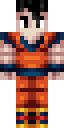
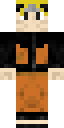
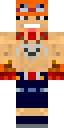
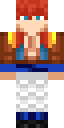
Anime Minecraft skins bring manga-style characters into the game: big expressive eyes, spiky or flowing hair, school uniforms, kimono and battle gear. Every skin here was forged by SkinForge AI from a text prompt, so you get original takes on the anime look instead of re-uploads. Preview each one in 3D, download it for Java or Bedrock, or open it in the app and change the hair, outfit or colors with a sentence.
Popular anime characters and themes
39 anime skins
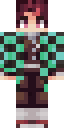
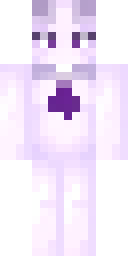
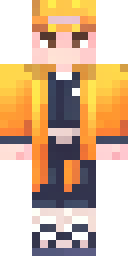
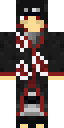
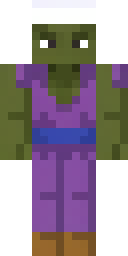
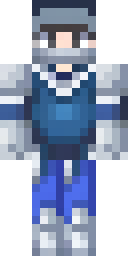
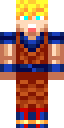
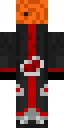
![[ DEMON SLAYER ] Tanjiro themed 2.0 Minecraft skin](/i/d086ff5d-d5b5-4ed5-ad16-67cd3cda44c6/preview.png)
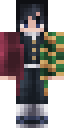
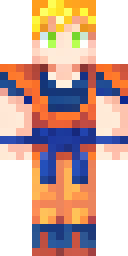
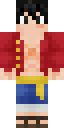
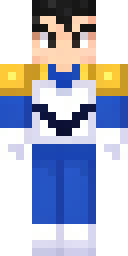
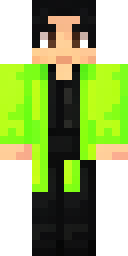
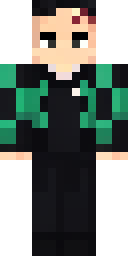
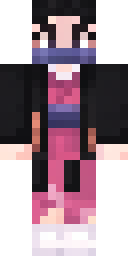
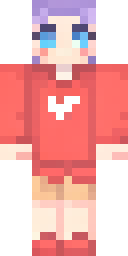
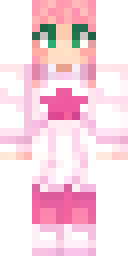
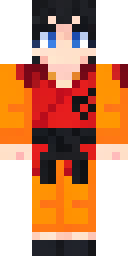
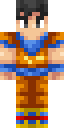
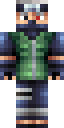
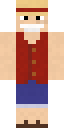
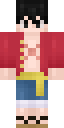
![Sasuke Uchiha [Naruto the Last] Minecraft skin](/i/166e4b6a-4a6a-45af-87a0-481045f01116/preview.png)
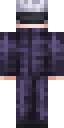
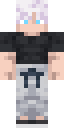
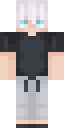
![Satoru Gojo (Chap. 236) [Jujutsu Kaisen] Minecraft skin](/i/af9e3f90-16d7-43fc-b424-12310b13b8dd/preview.png)
Questions about anime skins
How do I install a anime skin on Java Edition?
Download the PNG, open the Minecraft Launcher, choose Skins, then New skin, and pick the file. Choose Classic or Slim to match the skin's model.
How do I install it on Bedrock or Pocket Edition?
Download the .mcpack and open it. Minecraft imports it and the skin appears in the Dressing Room under Owned skins.
Can I change the anime skin before using it?
Yes. Open it in the SkinForge app and describe the change: "give it a red hoodie", "make the hair silver". The app updates the skin in place.