 SkinForge
Dragon Ball Z Minecraft Skins
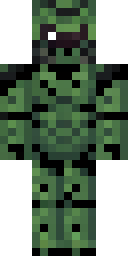
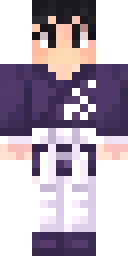
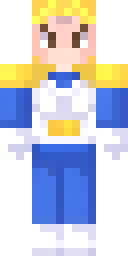
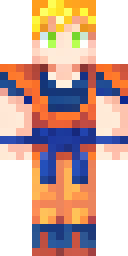
Dragon Ball Z skins bring the epic battles and transformations of this iconic anime era to Minecraft. Expect vibrant Super Saiyan hair, signature battle-worn gis, and the distinct looks of powerful villains. Players who grew up with DBZ or love high-stakes action will find many legendary characters to embody. Choose a skin that showcases your favorite fighter's most famous form, from Goku's Super Saiyan to Frieza's terrifying final form.
4 skins · free download for Java and Bedrock · Anime category
Make your own Dragon Ball Z skin
Want a different outfit, hair or color? Open SkinForge and describe it: "Dragon Ball Z with a red hoodie and sunglasses". The app forges a full skin in about 20 seconds and exports to Java or Bedrock.
DownloadApp StoreAnime and manga: more skins
All characters and themes →Questions
How do I get a Dragon Ball Z skin in Minecraft?
Pick one of the 4 Dragon Ball Z skins above and download it. Java Edition: open the Minecraft Launcher, choose Skins, New skin, and select the PNG. Bedrock and Pocket Edition: open the .mcpack and Minecraft imports it into the Dressing Room.
Are these Dragon Ball Z skins free?
Yes. Every skin on this page downloads free in both formats. They were made with SkinForge and published to the gallery.
Can I make my own Dragon Ball Z skin?
Yes. Open the SkinForge app, type what you want ("Dragon Ball Z in a black hoodie"), and it forges a new skin in about 20 seconds. You can also open any skin here and change it by chat.