 SkinForge
Mob Minecraft Skins
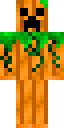
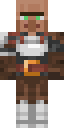
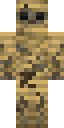
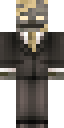
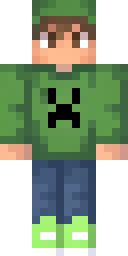
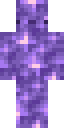
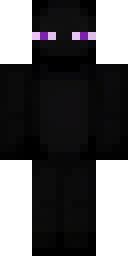
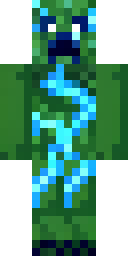
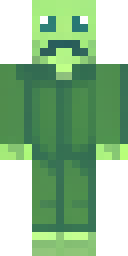
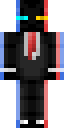
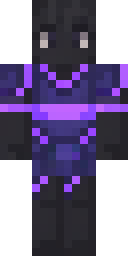
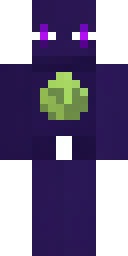
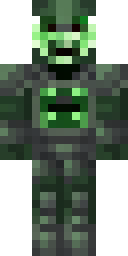
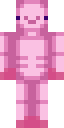
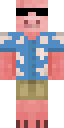
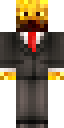
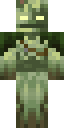
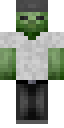
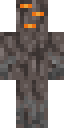
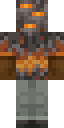
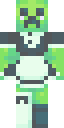
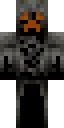
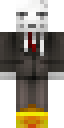
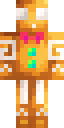
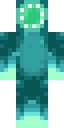
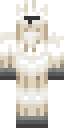
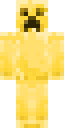
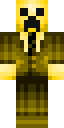
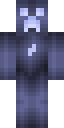
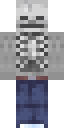
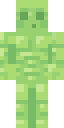
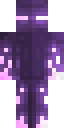
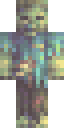
Mob skins turn you into the creatures of Minecraft: creepers, endermen, zombies, skeletons, villagers, husks and the odd pumpkin. Playing as a mob is a classic way to stand out on a server or film a video. Every skin here was generated by SkinForge AI, fits the standard player model and installs on Java and Bedrock in a few taps. Want a mob with a twist? Open it in the app and add a hoodie, a crown or a different color scheme.
Popular mobs characters and themes
47 mobs skins

Questions about mobs skins
How do I install a mobs skin on Java Edition?
Download the PNG, open the Minecraft Launcher, choose Skins, then New skin, and pick the file. Choose Classic or Slim to match the skin's model.
How do I install it on Bedrock or Pocket Edition?
Download the .mcpack and open it. Minecraft imports it and the skin appears in the Dressing Room under Owned skins.
Can I change the mobs skin before using it?
Yes. Open it in the SkinForge app and describe the change: "give it a red hoodie", "make the hair silver". The app updates the skin in place.